Retail and e-commerce
List cartons or pallets, give the total shipment weight, and note any time windows at the receiving location.

Compare ocean, air, and road freight, request a quote, and check your shipment updates with your Ward tracking code.
We welcome inquiries from carriers, warehouses, and other logistics providers.


Sea shipping
Compare ocean freight options for pallets, crates, and container shipments.
View ocean freight→
Road freight
Explore road freight for palletized cargo and shipments that need coordinated pickup and delivery.
View road freight→
Warehousing
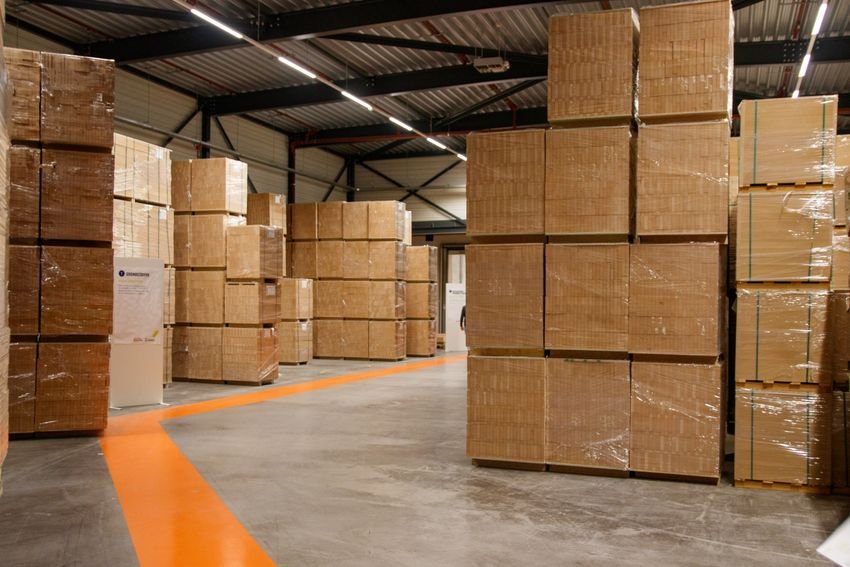
Share your storage, handling, and transfer needs to find out what can be arranged.
Ask about warehousing→
Parcels
Send the destination, dimensions, and weight to ask about parcel delivery options.
Ask about parcels→Tell us your pet’s species, route, and travel dates so we can check availability.
Ask about pet transport→Plan freight from pickup to delivery and give suppliers, warehouses, and customers one place to check shipment updates.
Follow the route from your first quote to receiving your freight.
Step 1 · Quote
Share the pickup and delivery locations, cargo weight and dimensions, and your preferred shipping date.
Step 2 · Booking
Review the proposed freight mode, route, timing, and details included in your quote before confirming.

Step 3 · Pickup
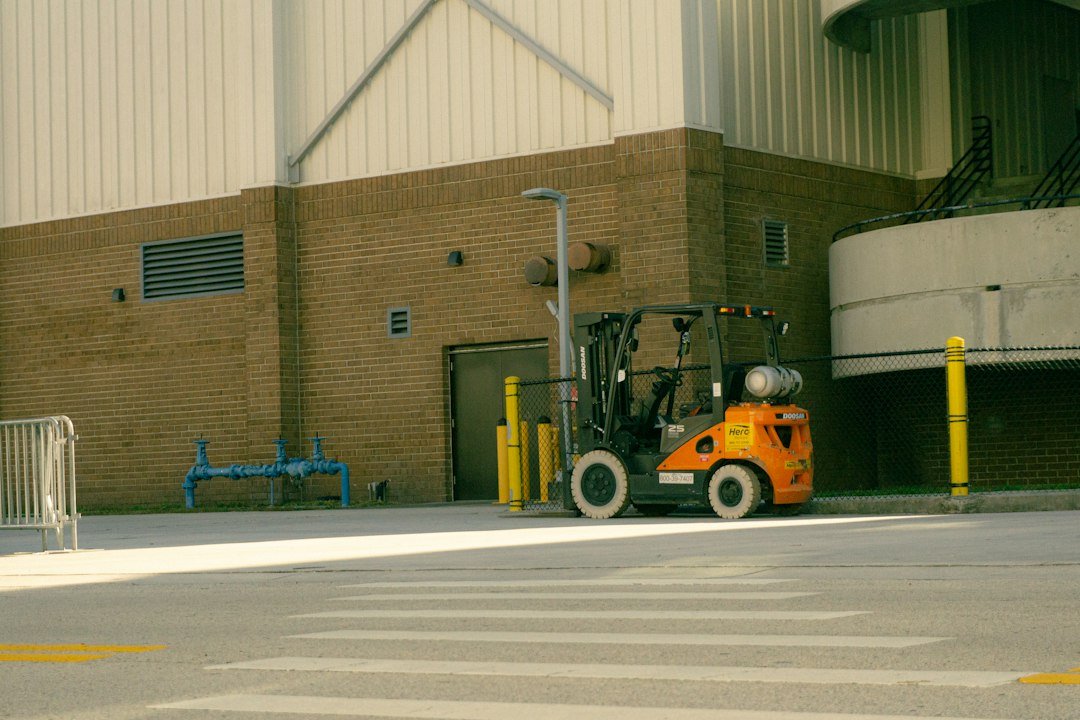
Have your freight packed and labeled. Share any loading restrictions or special handling instructions before collection.
Step 4 · Transit
Enter your WTL code to see the progress Ward has recorded for your shipment.
Step 5 · Delivery
Keep your receiving contact and delivery instructions current. Check tracking for the recorded delivery milestone.
Include the full pickup and delivery locations in your quote request. If a port or freight terminal is involved, say whether you need collection or delivery on either side.
Knowing the route, loading access, and handling needs helps narrow down suitable options.
The information that makes a quote useful depends on what you’re moving.
List cartons or pallets, give the total shipment weight, and note any time windows at the receiving location.
Include the length, width, height, and weight of each large piece. Flag liftgate access or special handling.
Specify the collection point and final destination. Include any port or terminal details you already know.
I shipped a birthday gift to my sister and received updates along the way. It arrived early, and she said the packaging was in perfect condition.
My package arrived earlier than expected, and everything was intact. The driver was friendly and took the time to hand it to me at the door.
I received a package from my parents and appreciated the delivery notification. I could bring it inside before the rain started, and everything stayed completely dry.
Find answers before you request a quote or look up a shipment.
Visualize two reference cities and carry the endpoints into a quote request.
View the route plannerCalculate volume and weight, then apply a rate you already have.
Open the calculatorPrepare your quote details, select a container option, or organize a packing list.
Read freight insightsTap a city to preview an example route. See all reference cities →
Illustrative routes. Ask about availability for your shipment. Map data by Natural Earth.
Enter the WTL code in your booking confirmation to check your recorded shipment milestones.
Compare shared and full-container options using your shipment volume, handling needs, and timeline.
Read the guideGather the route, package measurements, delivery window, and handling details before you request a quote.
Read the guideCreate a clear record of what is in each package and match it to your other shipping documents.
Read the guideSubscribe by email for freight guides and shipping updates.
Questions? Support@wardtransportlogistics.com
Send the route and cargo details to start your freight quote.